
Using Google Apps with Easy WP SMTP and Contact Form 7 From Field
We faced a problem last night that took us a couple hours to diagnose and repair on our Top Five Advisor email forms. When someone would fill out a contact form and submit it to us, the FROM field would show our administrator’s email address and not the email address of the user who submitted the request.
As it turns out, the way Contact Form 7 and all other email plugins work is they “spoof” or fake the actual from field when in actuality, the email is FROM your website and FROM your website’s main email address.
Most email systems allow this and there’s no issue, but for those of us that made the switch to WP Engine and realized that they do not allow email to be sent through their system, you probably made the switch to Google Apps because they are the best premium email provider and offer the best spam tools to block the junk.
Unfortunately, Google Apps and Gmail is one of those providers that do not allow spoofing. Therefore, the emails generated from our websites will use the admin email address in the FROM field which makes it a giant pain to reply to emails because you will have to copy and paste their email address to the “To:” line in reply or else you are sending the email to yourself. No good.
How We Fixed the Problem in Contact Form 7
 After researching the issue and discovering why this was happening, we searched out a solution from Contact Form 7 and found this article that helped us resolve the problem.
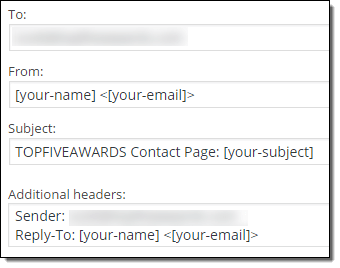
In your WordPress dashboard, click on “Contact” then hover your mouse over one of your contact forms and click the edit link.
From there, look for the section we show you on the left. The To should be your admin email address, the from area can be left as default, the subject line, you can customize like we do or just leave [your-subject] and finally, you’ll see the additional headers section which is where we will fix the problem.
Add the following code into this Additional headers box:
Reply-To: [your-name] <[your-email]>
Then save the form.
Time to Test It!
Head over to your contact form and submit it using a fake email address in the “To:” field.
When you receive the email, you’ll notice that the FROM field still shows your website’s admin email, however, when you reply, your email program will use the “Reply-To” header and place the fake email address in the To box like you’d expect.
Now you or your staff will not accidentally send emails to themselves.
Now that you know about this Additional headers area, you can also add things like Cc: <youremail> Bcc: <manageremail> if you’d like to send the emails received to more than one staff member for archive and tracking purposes.

 This plugin is brand new at the time of this writing and replaces the now deprecated Facebook Like Box. You can use the code they provide as a “Text” widget on your sidebar to display your Facebook page to all of your visitors.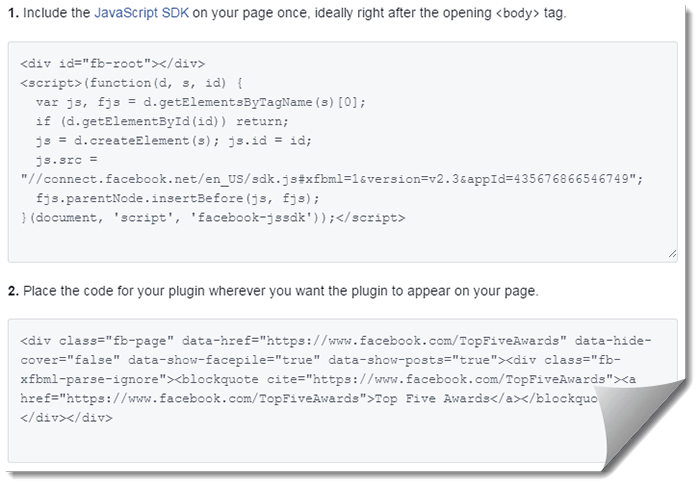
 Another great social media widget integration is the Google+ Badge. This badge is similar to the Facebook Page Plugin except it doesn’t allow you to display your most recent posts. It allows people to add your Google+ page to circles and also to +1 the page. This feature was also mentioned in our
  If you create video and upload them to YouTube, a great way to raise awareness and subscribers is to use the YouTube subscribe button. Head on over to the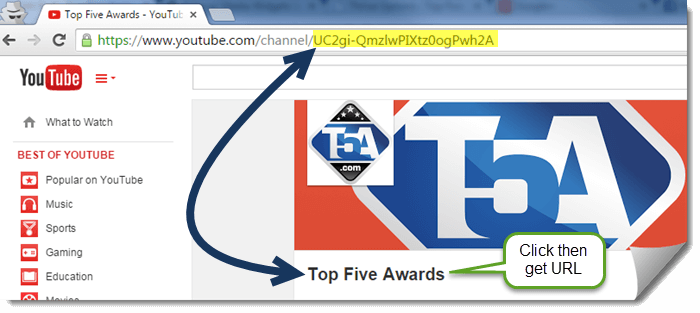
 If you run a photography driven website or offer promotions and various related content, you may want to add Instagram as a sidebar widget (or take advantage of other widget areas on your theme).
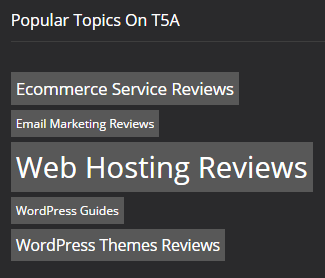 You may notice that we have the following screenshot on the left displaying on the bottom of our website and you may be wondering how we did it.



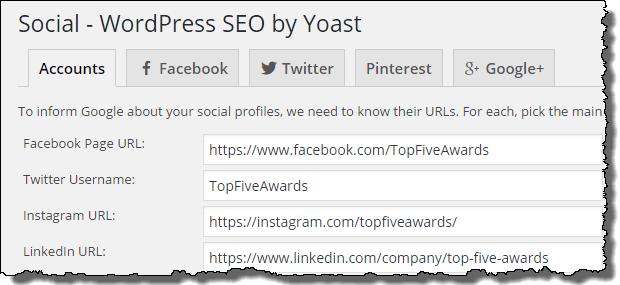
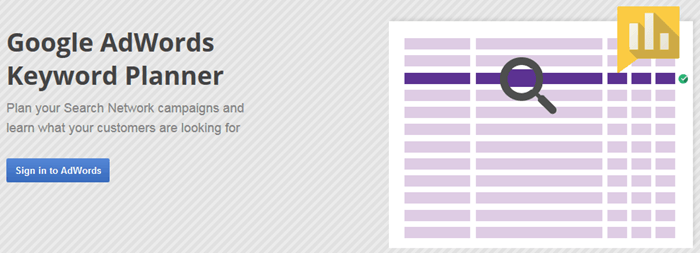

 Wrapping up the top five best SEO tools to use on your WordPress website is the

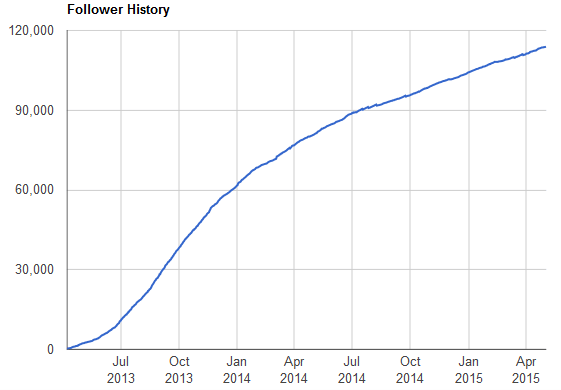
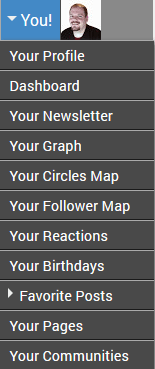
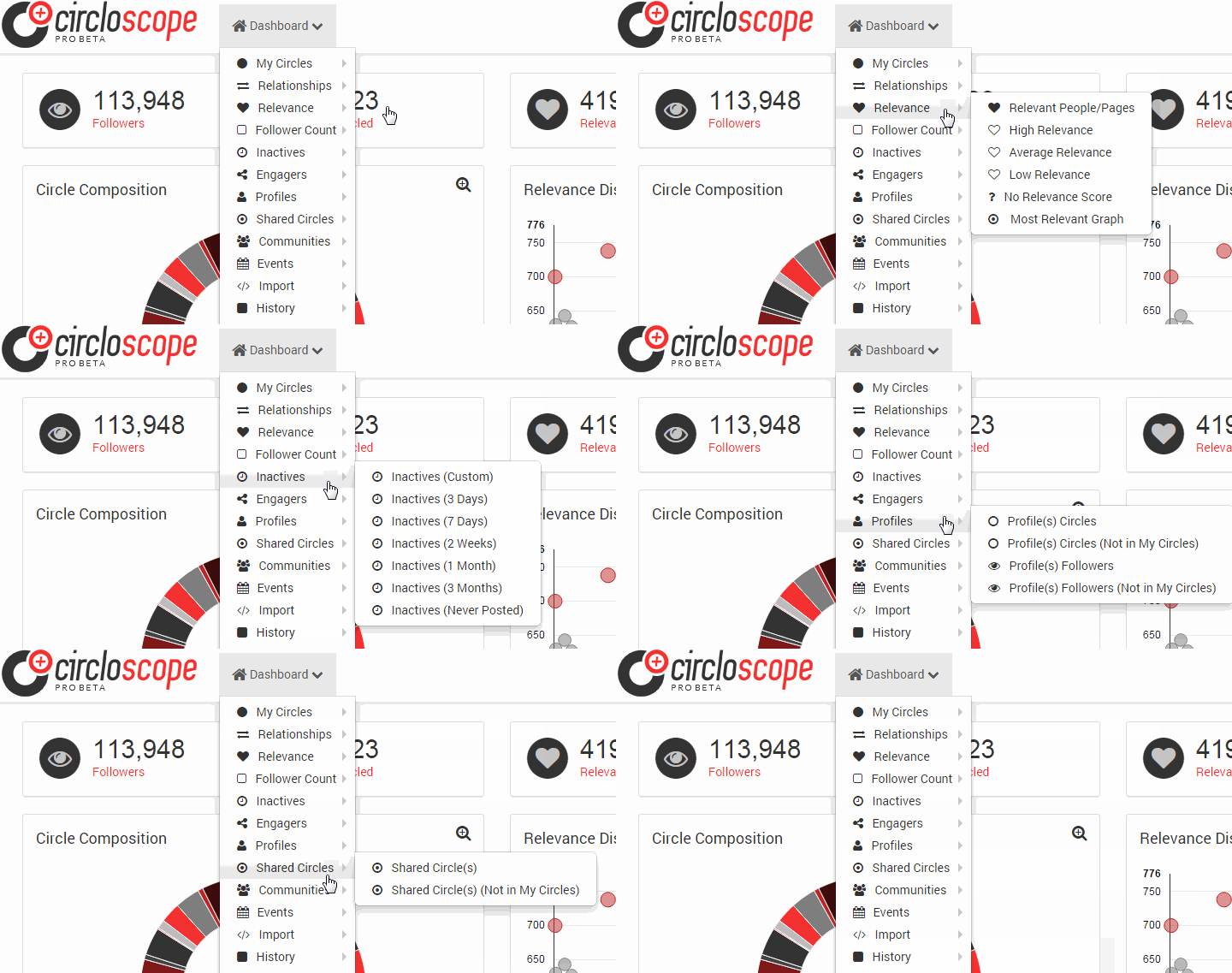
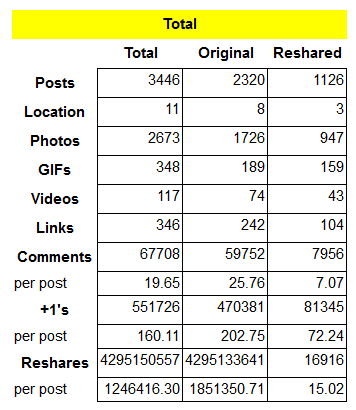 Here’s another fun tool to play around with if you’ve ever used Google+ before. As the name suggests, this tool will show you stats all about your profile and it includes the ability to see an overview (see Scott Buehler’s stats to the left), locations, charts, popular posts, people, photos and more.
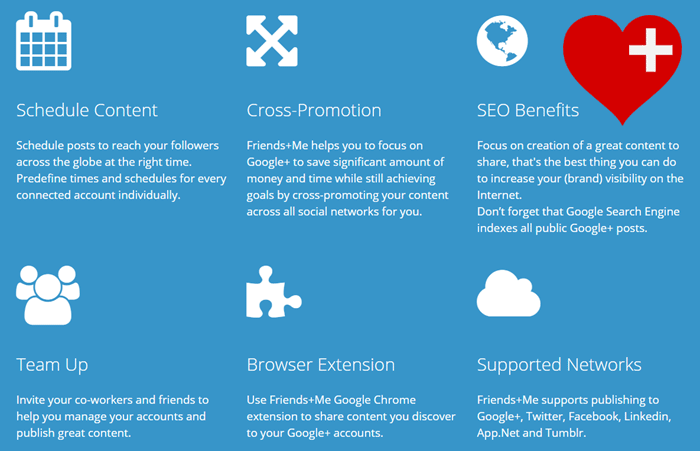
 Another fantastic tool for business users, fun G+ topical pages and many niches in-between, is Buffer, which allows you to schedule posts not only to your Gooogle+ pages but to your Twitter, Facebook, LinkedIn and App.net.
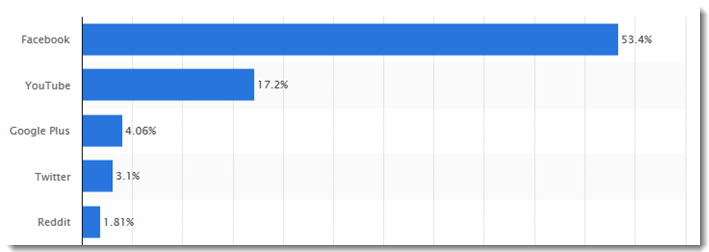

 YouTube commands a massive lead in video viewing and they attract over 17% of all social media traffic to the videos published there. YouTube is great for finding guides, training, how to help, entertainment and so much more. If you have an interest, YouTube will have thousands of videos available to view and enjoy. Here’s their current stats:
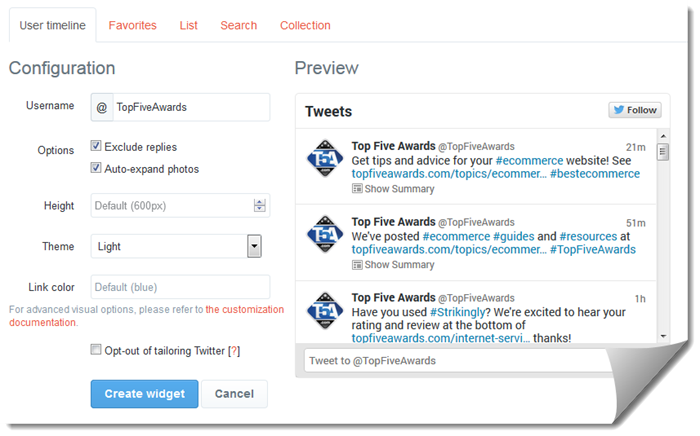
 Twitter is a network for people that love to communicate in short messages. Your “tweets” are limited to 140 characters but you can take advantage of hashtags and website links to expand the conversation. Twitter allows mobile and desktop users to upload images to extend the conversation as well.
 What? Reddit? Surprised us too! Reddit commands 1.81% of social media traffic with LinkedIn only 0.03% behind it. Reddit is an entertainment and news-based social networking website where their users can submit links and text-based content to topical “subreddits.” The users can then vote up or down the content which will determine placement in the subreddit’s “Top” page for the day.